

Docs 00-shared brand BRAND.md
Substratal Apps — logo standard
The logo is part of the standard for every Hub app. This folder is the source of truth. Each platform folder has a brand-assets/ directory with the files that platform needs, generated from these masters. Don't redraw, re-colour or re-typeset them.
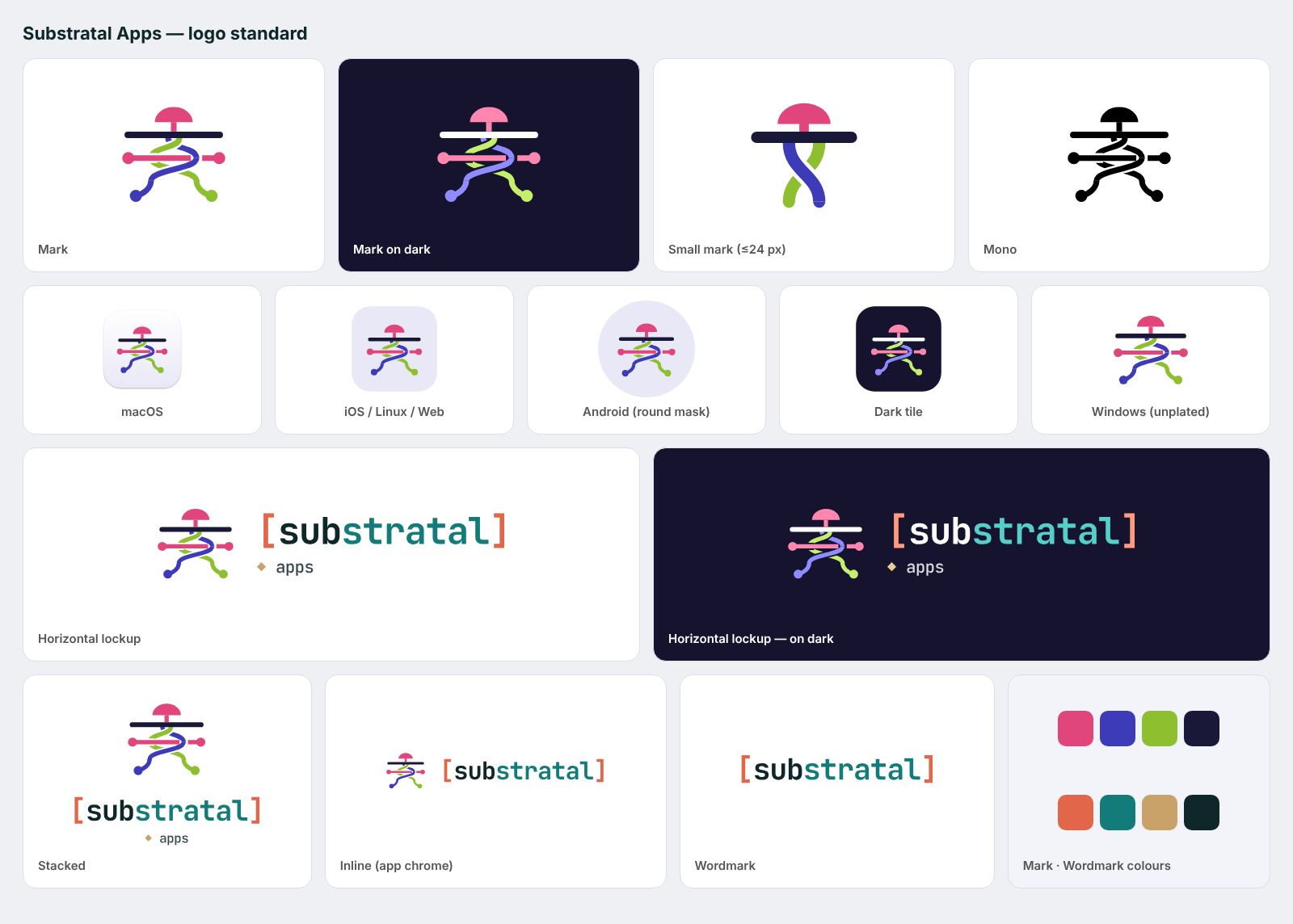
1. Concept
A mushroom cap sits above a ground line. The visible apps sit above ground; the API grows below as interlined roots. Two root strands twist through each other and out to both sides. A runner crosses them, and its ends are nodes. Crossings go alternately over and under, so the roots read as one network in both directions.
2. Anatomy and colour
| Part | Light (default) | On dark | Role in token file |
|---|---|---|---|
| Cap, stem, runner, runner nodes | #E0457B pink |
#FF86AE |
A |
| Root strand 1 + node | #3D3BB8 indigo |
#8E8CFF |
B |
| Root strand 2 + node | #8DBF2E lime |
#C4EE6C |
C |
| Ground line | #1A1838 ink |
#FFFFFF |
G |
The gaps at crossings are transparent: they are clip-path cut-outs, not painted background. That means the mark works on any surface.
Wordmark: [substratal] set in JetBrains Mono Bold, tracking −0.03 em, shipped as outlined paths. The optional descriptor line is ◆ apps in JetBrains Mono Medium.
| Wordmark part | Light | On dark |
|---|---|---|
[ ] brackets |
#E2674A coral |
#FF9A80 |
sub |
#10272A ink |
#FFFFFF |
stratal |
#137C7A teal |
#55CFC9 |
◆ |
#C9A26A sand |
#EBCB95 |
apps |
#10272A at 85 % |
#FFFFFF at 85 % |
Icon surfaces: tint #E8E8F7 (light icon background), night #15132E (dark icon background and dark tiles), paper #F3F3FA.
All values are in brand-tokens.json.
3. Variants: which to use where
| Variant | File (svg/) |
Use |
|---|---|---|
| Mark | mark.svg, mark-on-dark.svg |
App icons, avatars for source: platform notifications, places with no room for the name |
| Small mark | mark-small*.svg |
Required at 24 px and below: favicons, the Windows title bar, menu-bar/tray, notification small icons, Linux symbolic. It keeps the cap, the ground and one twist, with heavier strokes. |
| Horizontal lockup | lockup-horizontal*.svg |
Sign-in (AUTH-01), splash/about, marketing, store graphics |
| Inline lockup | lockup-inline*.svg |
App chrome: the web sidebar header and compact headers. It has no descriptor line. |
| Stacked lockup | lockup-stacked*.svg |
Launch screens, square spaces, empty-state hero |
| Wordmark | wordmark*.svg |
Only where the mark already appears nearby |
| Mono | *-black.svg, *-white.svg |
Template images (macOS menu bar), Android themed/monochrome icons, Web Push badge, single-colour print |
| App icon | app-icon.svg, app-icon-dark.svg |
Generic rounded tile. Each platform's own icon is in its brand-assets/. |
PNG exports are in png/: the mark at 128–1024 px, every lockup at @1x/@2x/@3x, and the app icon tiles at 1024 px.
4. Size, clear space, backgrounds
- Clear space: ¼ of the mark's height on every side, measured from the cap top to the root nodes. Nothing else enters that space.
- Minimum size:
- Full mark: 32 px. Below that, use the small mark, down to 16 px.
- Horizontal lockup: 120 px wide.
- Inline lockup: 20 px tall.
- Backgrounds:
- Light variants on white, paper, tint or any surface lighter than 75 % L*.
- On-dark variants on night, ink or any surface darker than 35 % L*.
- Mono in between, or on photos.
- Icon layout:
- The mark fills about 76 % of the tile.
- It is optically centred, nudged down 1 % so the cap doesn't feel top-heavy.
- Android adaptive icons keep the mark inside the 66 dp safe circle (scale 0.94 on a 108 dp canvas).
- Web maskable icons use 64 % so the mark stays inside the 80 % safe zone.
5. Don'ts
- Don't recolour individual parts, swap the strand colours, or render the mark in the wordmark's palette.
- Don't fill the crossing gaps or add outlines, shadows, gradients or glows. The only exceptions are the platform icon treatments in
brand-assets/(the macOS body, Liquid Glass layers). - Don't re-set the wordmark in live text or another font, or drop the brackets.
- Don't use the full mark below 32 px. Don't place the light mark on dark surfaces or the reverse.
- Don't add "Hub" to the logo. The product is named Substratal in UI chrome, and the logo's accessible name is "Substratal Apps".
6. Where the logo appears in the Hub (all platforms)
| Place | Asset | Notes |
|---|---|---|
| App icon (launcher, Dock, taskbar, Start, store) | platform brand-assets/ |
iOS/macOS include dark and tinted appearances; Android includes an adaptive and themed monochrome icon; Windows has plated and unplated versions for the light and dark taskbar. |
| Sign-in and 2FA (AUTH-01/02) | Horizontal lockup above the form | role="img" / accessibility label "Substratal Apps". Developer builds: long-pressing the lockup reveals the test-mode toggle (SCREEN-SPECS AUTH-01). |
| Launch / splash | Stacked lockup or mark on the icon surface | iOS UILaunchScreen, Android SplashScreen API, Windows MSIX splash, PWA manifest colours. |
| Web sidebar header | Inline lockup, 24 px tall | Collapsed sidebar shows the small mark only. |
| Windows title bar | Small mark, 16 px, followed by the text "Substratal" | AppWindow.SetIcon("Substratal.ico"). Use Substratal-dark.ico when the title bar is dark. |
| macOS menu-bar extra (optional) | MenuBarIcon template image |
Black small mark; the system tints it. |
| Notifications (system) | App icon (large), small mark (Android small icon / Web Push badge) | ic_stat_substratal, badge-96.png |
Inbox rows / detail for source: platform |
App icon tile | Treat as decorative; the row already reads "Substratal". |
| About / Settings › About | Horizontal lockup + version | |
| macOS/GNOME window titles, sidebars | No logo. Text title only, per HIG |
7. Files
brand/
├── BRAND.md · brand-tokens.json · logo-standard.png
├── svg/   mark, mark-small, lockup-horizontal, lockup-inline, lockup-stacked, wordmark
│          × {light, -on-dark, -black, -white}; app-icon.svg, app-icon-dark.svg
└── png/   mark{,-on-dark}-{128,256,512,1024}.png · <lockup>{,-on-dark}@{1,2,3}x.png · app-icon{,-dark}-1024.png
Platform kits: ios/brand-assets, macos/brand-assets, windows/brand-assets, android/brand-assets, linux/brand-assets, web/brand-assets. Each PLATFORM-SPEC.md has a "Brand & app icon" section explaining how to wire them in.